What players say
Wheelchair Explorer: Hidden Duck Hunt offers a refreshingly calm gaming experience. The colorful levels are a joy to explore, and the simple duck-collecting objective is satisfying without being stressful. It runs smoothly in any browser and works great on mobile. A wonderful choice for players of all ages seeking a gentle, positive activity.
About this game
Game Introduction
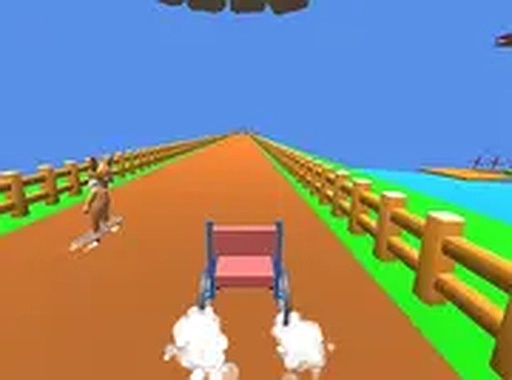
Wheelchair Explorer: Hidden Duck Hunt is a lighthearted browser-based arcade game that invites players to explore colorful environments while controlling a wheelchair character. The core objective is to collect hidden ducks scattered across each level, encouraging careful exploration and gentle challenges. Designed to be accessible for everyone, the game features no violent or mature content and runs directly in the browser without any installation. It offers a calm, positive activity suitable for short play sessions or winding down. The game focuses on observation and patience rather than speed or competition.
How to Play
Players guide the wheelchair character through various levels using arrow keys on a keyboard or on-screen controls on touch devices. The goal is to find and collect every duck hidden in each level, which may be tucked away in corners, behind obstacles, or on ramps. Some ducks are easy to spot, while others require searching. After collecting all ducks, the next level unlocks. On mobile, tap and swipe to move. The game saves progress automatically, allowing players to return later.
Game Features
Features include colorful and diverse level designs that keep exploration fresh, simple controls suitable for young players, and hidden duck collectibles that add a rewarding scavenger hunt element. The game supports full screen mode and responsive design for computers, tablets, and phones. It is completely free to play in the browser with no ads, in-app purchases, or registration required.
Tips for Success
Take your time exploring each level thoroughly, as ducks may be hidden in unexpected places. Use ramps to reach higher areas and navigate narrow paths carefully. Practice controlling the wheelchair to avoid barriers and improve efficiency. Revisiting earlier levels can help you discover any missed ducks and master the controls.