What players say
Car Crash Test: Abandoned City Driving Game Online delivers a satisfying arcade experience with its detailed crash physics and open city. The ability to repair your car and switch camera angles adds variety, making each session feel fresh. It is easy to pick up and offers good replay value for players who enjoy free-roam driving and controlled chaos.
About this game
Game Introduction
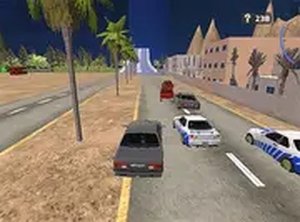
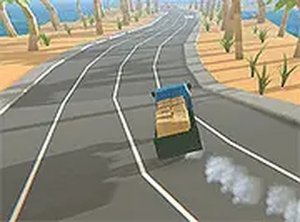
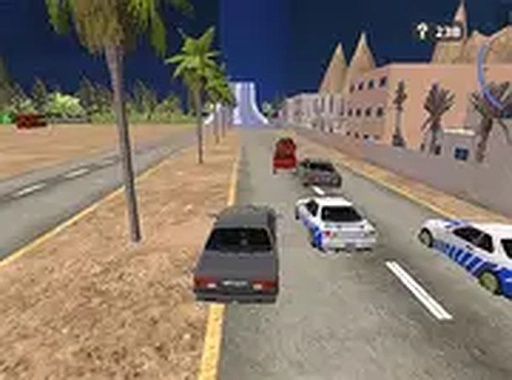
Car Crash Test: Abandoned City Driving Game Online Arcade Game places you in a sprawling, abandoned metropolis designed for destruction. This arcade driving game lets you drive any vehicle at high speeds, use nitro boosts for extra momentum, and crash into structures with realistic physics. The open-world environment encourages exploration, while the car repair system allows you to fix damage and continue your rampage. Switch between multiple camera perspectives to find the best view as you navigate crumbling streets and debris. Whether you enjoy free-roam driving or testing vehicle limits, this game provides a safe, virtual space to experience the thrill of crashing without real-world consequences.
How to Play
To play, use your keyboard arrow keys or on-screen touch controls to steer your car around the abandoned city. Press the nitro button to activate a speed boost, which helps you perform more dramatic crashes. Explore different areas such as collapsed buildings, empty highways, and parking lots. If your car gets damaged, use the repair button to restore it. You can also switch camera perspectives to get a better view of your surroundings. The goal is simply to have fun driving and crashing in this open-world arena with no set objectives.
Game Features
Game features include free driving in an abandoned city, realistic crash physics that simulate vehicle damage, nitro boosts for increased speed, multiple camera perspectives for varied gameplay, a car repair system to keep driving, and full screen mode for an immersive experience.
Tips for Success
To get the most out of the game, experiment with different driving styles and routes through the city. Use nitro boosts strategically to maximize crash impact and explore hard-to-reach areas. Regularly repair your vehicle to avoid becoming stuck, and switch camera angles to find the best view for navigating tight spaces. There are no strict objectives, so focus on enjoying the freedom of the open world and the realistic physics.
Compatibility
▸ Desktop: Chrome / Edge / Firefox / Safari ▸ Mobile: iOS Safari / Android Chrome ▸ Tablet: iPadOS Safari / Android Tablet Browser Keep your browser updated for the best experience