What players say
Ostry delivers a refreshing mix of mini-games and cooperative play. The portal mechanic adds a unique twist, and the object launching feels satisfying. Levels are short but varied, encouraging replay to explore different strategies. The multiplayer aspect works well, and the game runs smoothly in any browser. It is a solid choice for casual gamers looking for something different.
About this game
Game Introduction
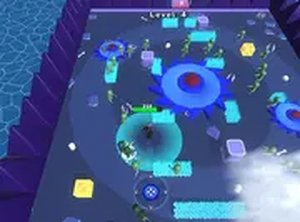
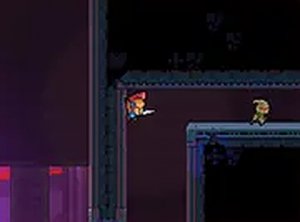
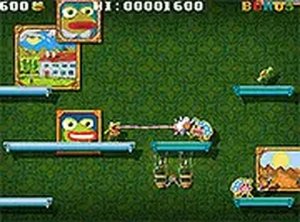
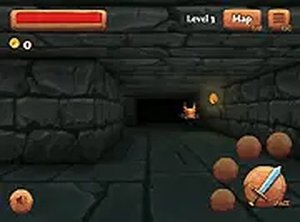
Ostry Online Arcade Game is a creative action experience that blends multiple mini-games into one seamless adventure. Players control an avatar and step into colorful portals that instantly transport them to different lands. The environment is full of objects that can be grabbed and launched, adding a playful physics element to every move. The game encourages cooperation as players work together to navigate dangerous traps and unlock new levels. Designed for desktop browsers, it is free to play and supports full-screen mode for a more immersive feel. Its simple controls and varied challenges make it accessible for casual players while still offering depth for those who want to explore every level.
How to Play
To play Ostry, use your keyboard and mouse. Move your avatar with the arrow keys or WASD, and use the mouse to click on objects to grab them. Once you have an object, aim with the mouse and click again to launch it. Step into any portal you see to travel to a new area. Work with other players to solve puzzles and avoid traps. The goal is to progress through each level by reaching the exit or completing the level's objective. The game is easy to pick up, and most actions are learned within a few minutes.
Game Features
Ostry includes fun mini-games that change as you advance. You can travel through portals to explore different worlds. The object launching mechanic lets you interact with the environment in creative ways. Multiplayer play allows you to team up with people from around the world. The game runs smoothly in any modern browser and is free to play.
Tips for Success
To succeed in Ostry, communicate with other players to coordinate puzzle solutions. Practice using the object launching mechanic to improve your aim and timing. Explore each level thoroughly to find hidden objects and shortcuts. Work as a team to overcome traps and obstacles. Take advantage of the full-screen mode for better visibility. Finally, be patient and experiment with different strategies to progress through challenging levels.
❓ Having issues?
✅ This game supports: - Desktop browsers (Chrome, Edge, Safari) - Mobile browsers (Chrome on Android, Safari on iOS) ❌ Does NOT support: - Internet Explorer - Very old browser versions 👉 Try refreshing or updating your browser