What players say
Racer 3D offers a solid racing experience with five modes and four tracks. The car selection adds personalization, and the controls are responsive. It is easy to pick up and offers enough variety to keep you coming back. The free browser-based play makes it convenient for short gaming breaks.
About this game
Game Introduction
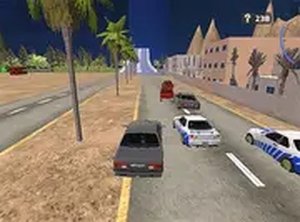
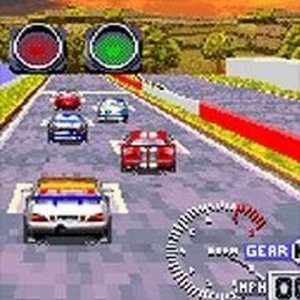
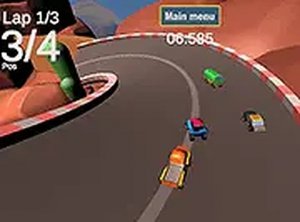
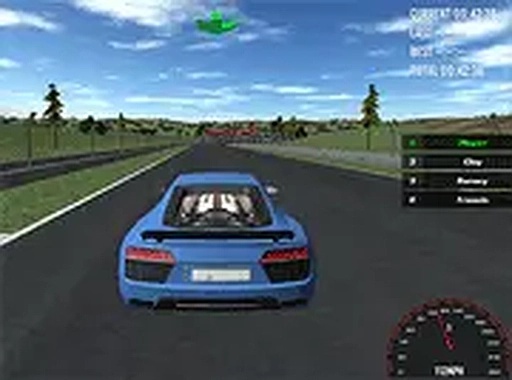
Racer 3D is an arcade-style racing game that puts you behind the wheel of high-class sport cars for fast, competitive racing. The game offers five distinct modes, including time trials and head-to-head races, ensuring variety in every session. Four unique tracks present different challenges, from sharp turns to long straights. You can select from several cars, each with its own handling and style. Designed for desktop play, the controls are smooth and responsive. A full screen option enhances the visual experience. Best of all, Racer 3D runs directly in your browser with no downloads or installations required. It is completely free to play, making it accessible for casual players and racing fans alike.
How to Play
To play Racer 3D, start by choosing your car from the available sport cars. Next, select one of five game modes, such as time trial or head-to-head race. Then pick a track from the four options. Use your keyboard to control the car: arrow keys or WASD for steering, acceleration, and braking. The goal is to finish the race as quickly as possible while staying on the track and avoiding obstacles. You can toggle full screen mode for a wider view. The game is easy to learn, but mastering each track takes practice.
Game Features
Five game modes keep gameplay varied. Four distinct tracks offer different racing experiences. Multiple sport cars to choose from, each with unique attributes. Full screen support for an immersive view. Smooth keyboard controls for precise driving. Free to play in browser with no download needed.
Tips for Success
Practice each track to learn its layout and anticipate turns. Use smooth steering to maintain speed through corners. Choose a car that matches your driving style for better control. Focus on clean laps without hitting obstacles to save time. Experiment with different game modes to improve your overall racing skills.
Compatibility
This H5 game runs smoothly on: • Desktop computers (Windows / Mac) • Mobile phones (iPhone / Android) • Tablets (iPad / Android) 🌐 Best experienced with Chrome, Safari, or Edge